Screenshots
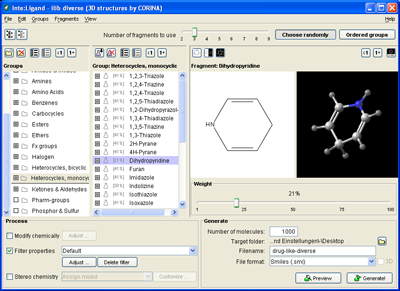
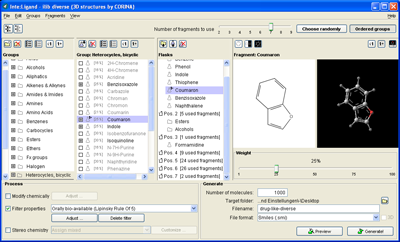
The screenshot images below show the panels and dialogs of ilib:diverse's graphical user interface.
Random mode and ordered groups mode
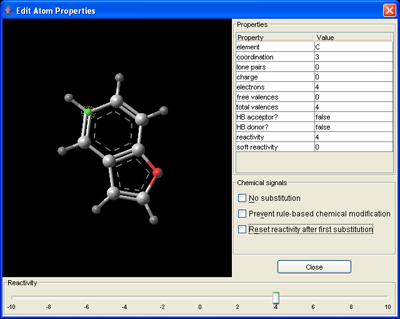
"Random mode" can be used for creating diverse libraries with randomly chosen fragments (choice probability can be influenced by setting "weights"). The advanced "Ordered groups mode" allows the design of library compounds by chaining single fragments or fragment groups. The atom reactivity editor can be used to review and change ilib:diverse's pre-defined classification of atom reactivities.
Random mode
Atom reactivity editor
Flask mode
Library inspection
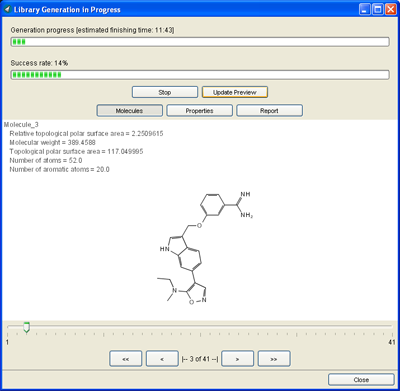
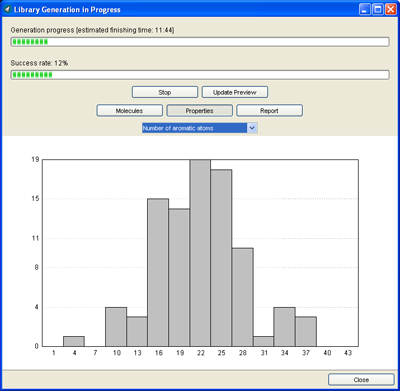
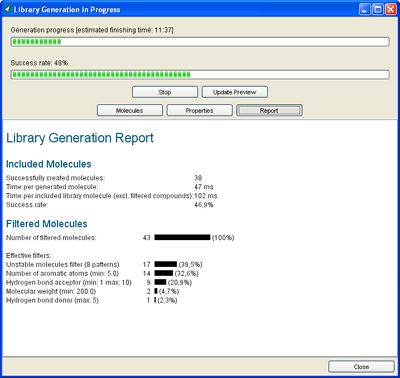
Libraries can be inspected while they are generated. 2D depiction of generated compounds is shown alongside property distributions and a library generation report summarizing the relevant filters.
Compounds
Property distribution
Generation report
Filter settings
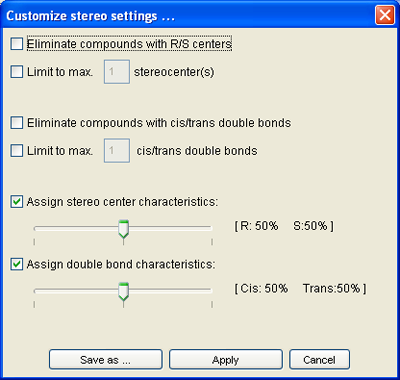
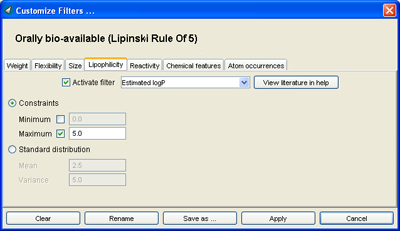
A variety of filter settings (see also Features) can be applied to the generated virtual compounds. Physico-chemical property filters and stereo assignment / filter settings are configured in dedicated dialogs.
Filter settings
Stereo settings